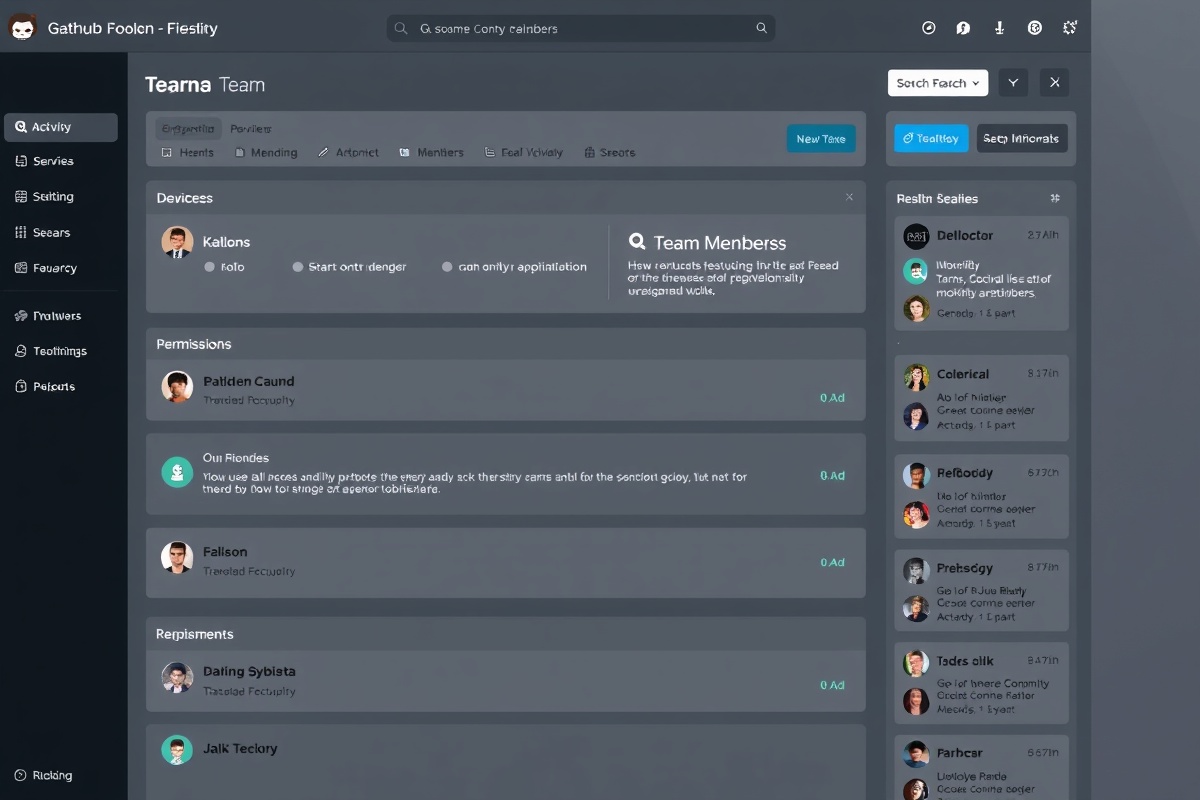
Team Management & Collaboration

Invite team members, manage permissions, and collaborate on patent research and portfolio management.

Team Collaboration Interface

Collaborate with Your Team

Team Members

Add and manage team members with granular permission controls.

Role-Based Access

Assign roles (Admin, Editor, Viewer) to control what team members can do.

Activity Logs

Track all team member activities for transparency and accountability.

Shared Collections

Create and share patent collections with specific team members.

Team Members

JD

John Doe

john@example.com

Owner
JA

Jane Anderson

jane@example.com

Admin
MS

Mike Smith

mike@example.com

Editor
SJ

Sarah Johnson

sarah@example.com

Viewer

Roles & Permissions

Owner

Full control over the workspace and billing.

  • Manage team members
  • Create and delete collections
  • Access billing settings
  • View activity logs
  • Change workspace settings

Admin

Can manage team and workspace content.

  • Manage team members
  • Create and delete collections
  • View activity logs
  • Access billing settings
  • Change workspace settings

Editor

Can view and edit content shared with them.

  • Edit shared collections
  • View patent library
  • Perform searches
  • Manage team members
  • View activity logs

Viewer

Can view shared content only.

  • View shared collections
  • View patent library
  • Perform searches
  • Edit content
  • Manage workspace

Activity Log

Patent collection shared

Jane Anderson shared "Medical Robotics Patents" with Mike Smith

Today at 2:30 PM

Team member added

Sarah Johnson was invited and added to the team as Viewer

Yesterday at 10:15 AM

Permissions updated

Mike Smith's role was changed from Viewer to Editor

2 days ago

Patent library accessed

Jane Anderson accessed the patent library and ran 5 searches

3 days ago

Collaborate with Your Team Today

Invite your team members and start collaborating on patent discovery and research.